
| |
EDI Viewer - Change Contact Person |
The Change Contact Person window is used to change the contact person for a FCC to a different contact person.Contact persons are used on all AC forms and can be used to assign FCC responsibility to different contact persons. You can also run reports by contact person.
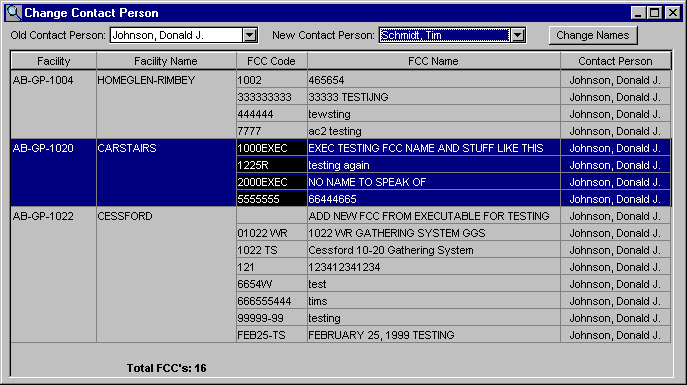
To change contact persons:
|
|
| To Print, click the Print toolbar button or choose Print from the File menu. | |
| To Export, click the Export toolbar button to save this data in another format. | |
| To Filter, click the Filter toolbar button to set a filter to see a specific group of contact persons. |