
| |
EDI Viewer - Valid Streams |
The Valid Streams window is used to enter valid streams that are used to validate all streams on the Crown Royalty Invoice. Any streams on the invoice that do not match the valid streams are flagged as errors.
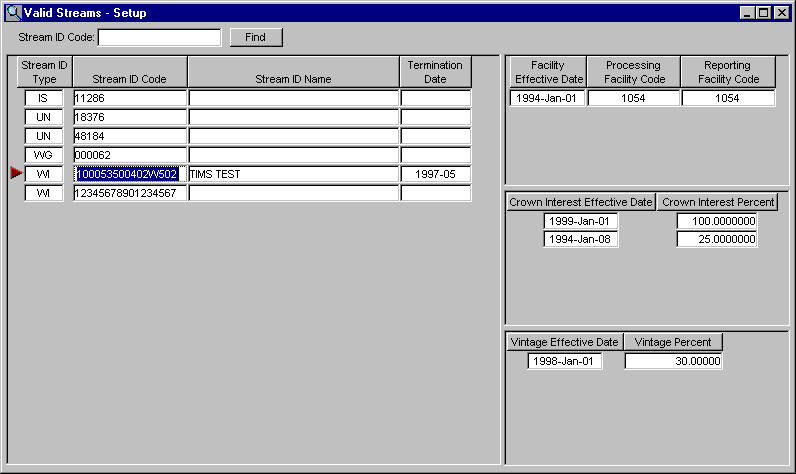
To find a stream:
|
|
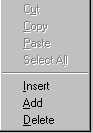
To add or insert a new row, do the following:
To delete a row, click on the row you want to delete and do the following:
|
 |
| To Sort, click on the headings. To sort by Stream ID Code, click on the Stream ID Code heading and the streams will be sort by stream id code in ascending order. Clicking on the Stream ID Code heading again will sort the stream id codes in descending order. This can be done for any column by clicking on the heading. | |
| To Print, click the Print toolbar button or choose Print from the File menu. |