
| |
EDI Viewer - PT GL Account Maintenance |
The GL Account window is used to link GL Account types from your financial system to Property Component Codes or industrial data from imported property tax files.
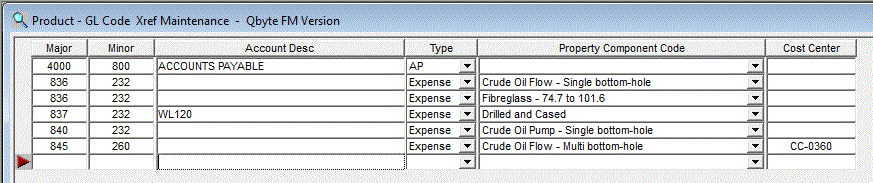
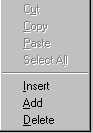
To add or insert a new row, do the following:
To delete a row, click on the row you want to delete and do the following:
|
 |
To Sort, click on the headings. To sort by GL Account, click on the GL Account heading and the GL Accounts will be sorted in ascending order. Clicking on the GL Account heading again will sort the GL Accounts in descending order. This can be done for any column by clicking on the heading. Clicking on the Sort toolbar button gives you the option to sort by multiple columns at once. |
|
| To Print, click the Print toolbar button or choose Print from the File menu. |