
| |
EDI Viewer - Saskatchewan Mineral Rights Tax GL Upload Window |
EDI Viewer can create a GL Batch file for importing to your accounting system.
Before trying to create the GL Batch file, make sure you have done the following 2 steps:
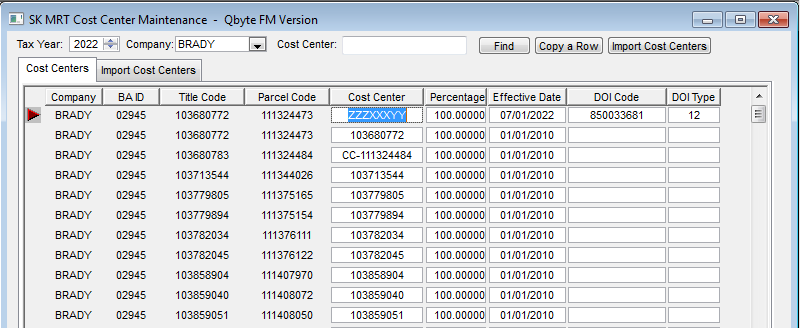
1. Link Cost Centers to titles. This is done in the Cost Center Maintenance window:
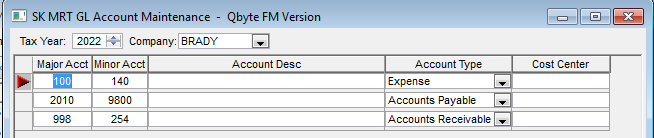
2. Set up GL Accounts in the GL Account Maintenance Window:
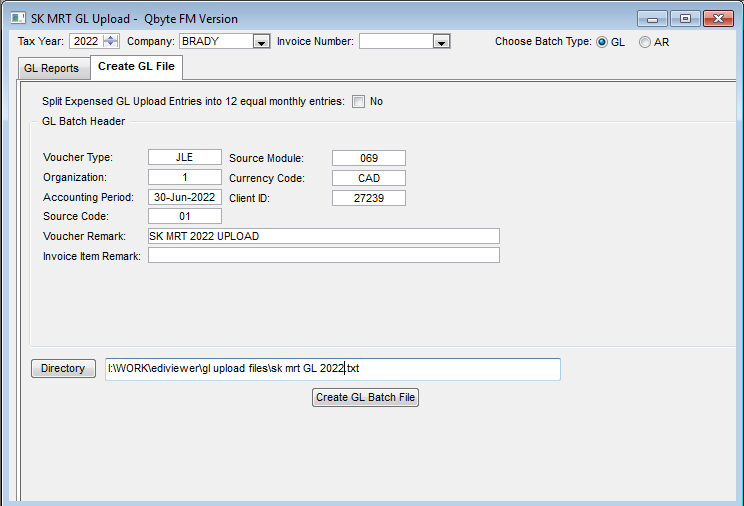
Procedures to create the GL Batch File:
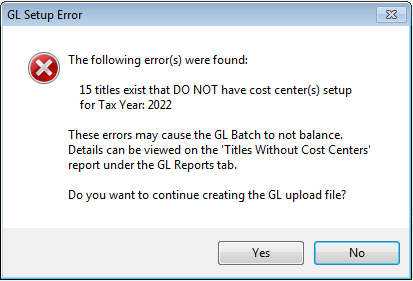
Click Yes to continue and create the GL Batch file.