
|
EDI Viewer - Report Group 1 Maintainance |
The Report Group 1 Maintainance window is used to enter and edit Reporting Groups. You can filter by Report Group data on the Title / Lessee Tax and Reconciliation reports.
Report Group 1 is designed to be above a cost center for reporting purposes. The heirarchy could be:
Report Group 1 can be configured to any name you choose, e.g. District, Area, etc.
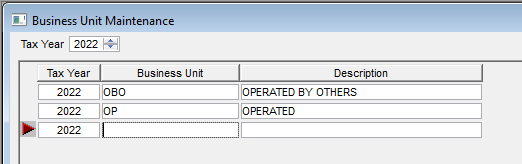
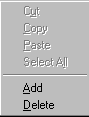
To add a new Report Group 1, you can the following:
|
 |
| To Print, click the Print toolbar button or choose Print from the File menu. |